
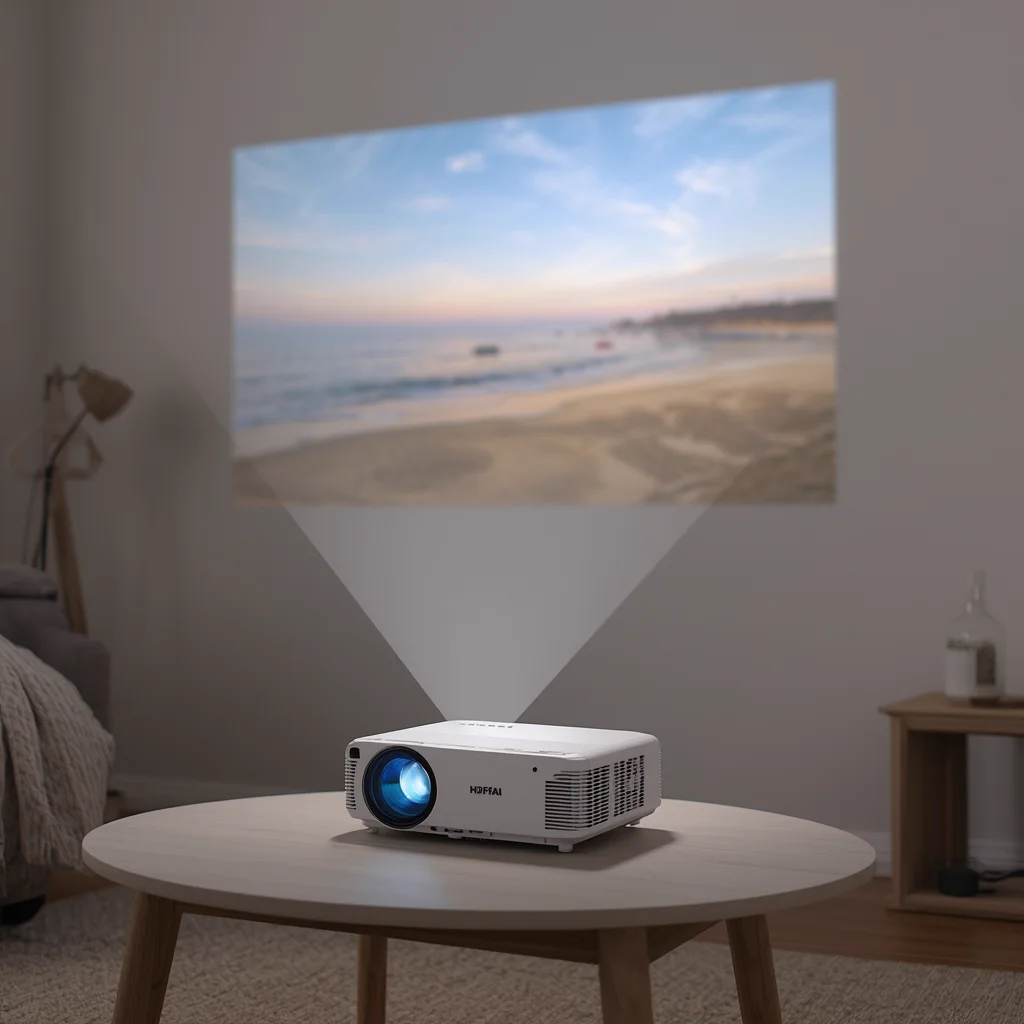
Rent a projector: choosing the right lumens for your space
Lumens determine whether the projected image looks vivid or washed out. A projector with 2,000 to 3,000 lumens works well in a dark room or a covered space with controlled ambient light. For an outdoor setup in the backyard or on the patio, where ambient light always sneaks in, 3,500 lumens or more is the right target. Most models available for rent deliver Full HD resolution (1920x1080), which keeps the image sharp up to 100 inches.
Projectors listed for rent usually range from 2,000 to 5,000 lumens. Before confirming your booking, ask in the chat what the exact brightness is for the model you are considering and describe your space: blackout bedroom, covered patio or open garden. That helps the owner tell you right away whether the item fits your situation.
Throw distance and image size
The distance between the projector and the screen controls how large the image gets. Most home-use models produce a 100-inch image (about 254 cm wide) at roughly 3 metres away. Short-throw models can produce that same image at under 1 metre, which is useful for small patios or compact rooms.
If the listing does not mention the throw ratio, ask: how big an image can I get with 2 metres of clearance? An 80 to 100-inch image comfortably seats 10 to 15 people at 2 to 3 metres. For a work meeting with up to 8 people, 60 to 80 inches is enough to read slides and spreadsheets clearly.
Screen, HDMI cable and sound: what usually comes with the kit
Many projector listings include a projection screen in the same rental. Before booking, confirm in the chat: does the screen come with the projector? Does it have a floor stand or does it need to be hung? Screens from 84 to 100 inches are the most common and fit well in backyards, living rooms and event spaces.
An HDMI cable connects a laptop, desktop or streaming stick to the projector. A 5-metre cable covers most indoor and covered outdoor setups. Built-in projector speakers are usually too weak for a group, so renting a portable speaker alongside is the practical move for 15 people or more.
Backyard cinema with a projector in Itajaí and Balneário Camboriú
An outdoor screening in Itajaí or Balneário Camboriú is most comfortable in the early evening, once the sky has darkened but the heat is still mild. Keep the projector close to a power outlet; a 10-metre extension cord covers most backyard setups. Place the unit on a flat surface and, if you are near the coast, put the lens cap back on between sessions to protect it from sea spray.
For a gaming session with friends, a projector turns any light-coloured wall into an 80-inch screen with low input lag, as long as the model supports your console. Check in the chat whether the projector has HDMI 2.0, required for 4K or 120 Hz, or whether HDMI 1.4 is enough for your setup.
How to test the projector before returning it
Before returning the unit, plug it in, point it at a clear surface and check that the image is sharp, with no dead lines or dark spots. Test every input you used, HDMI 1, HDMI 2 or USB, and confirm the remote responds normally. Inspect the lens: a new fingerprint or scratch should be reported to the owner before packing.
Take a photo of the equipment switched off and packed, using the same angle as the photos taken at pick-up. If you notice any change in condition, let the owner know in the chat before handing it back, not after. A written record in the chat protects both sides and speeds up the return of the agreed deposit.
Frequently asked questions
Does a projector and screen rental include the HDMI cable?
It depends on the listing. Many owners offer projector, screen and HDMI cable in one kit; others rent the projector alone. Read the full description and ask in the chat before confirming your booking.
How many lumens do I need for a backyard cinema at night?
With no direct lighting aimed at the screen, 3,000 lumens works well outdoors at night. If there are streetlights or garden lamps nearby, opt for 3,500 lumens or more to keep the image bright.
Does a rented projector need an internet connection to work?
Not necessarily. You can connect a laptop, USB drive or streaming stick via HDMI without relying on Wi-Fi. Models with built-in Android TV need a network for streaming apps, but work offline with any cable-connected device.
Browse projectors and screens available near you and book for the dates you need.